Dictation in the app you're using
Use HoldType in Codex, Claude, ChatGPT, email and notes with the same shortcut.
Translation and Quick Fixes, right where you work.
Your OpenAI key. No subscription or sign-up.
Free app · OpenAI API usage billed separately · macOS 14+
The same shortcuts and settings across your Mac. Dictation works in most apps that accept text.
Use HoldType in Codex, Claude, ChatGPT, email and notes with the same shortcut.
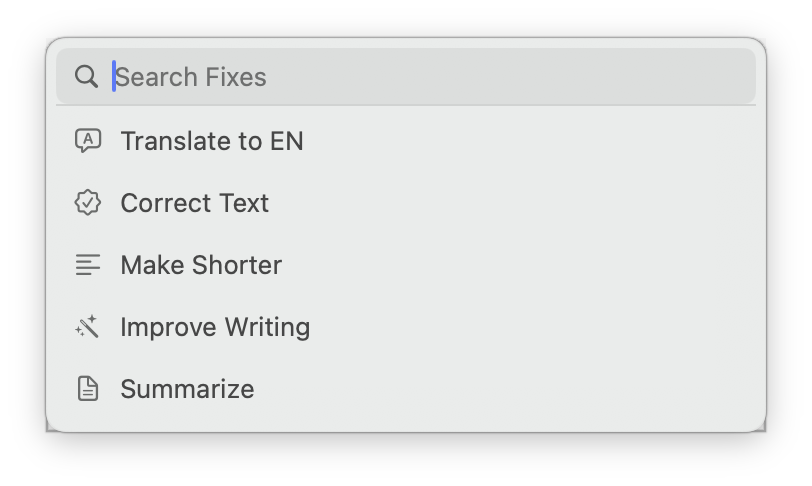
Select text and shorten, translate or reformat it in place. Save recurring edits as your own commands.
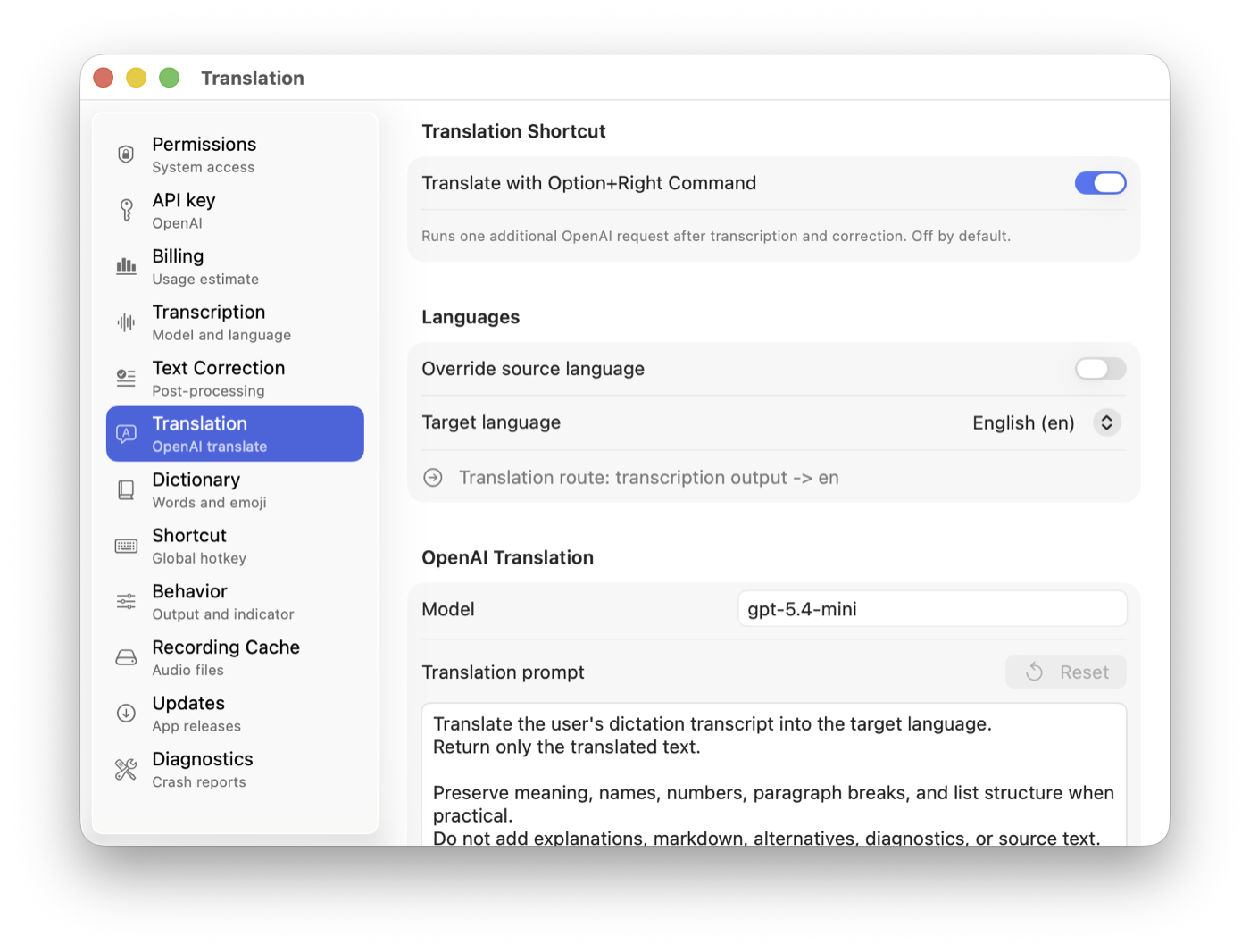
Dictate a reply in a familiar language. A separate shortcut translates it into the language selected in Settings.
The app interface is currently in English.
Quick Fixes
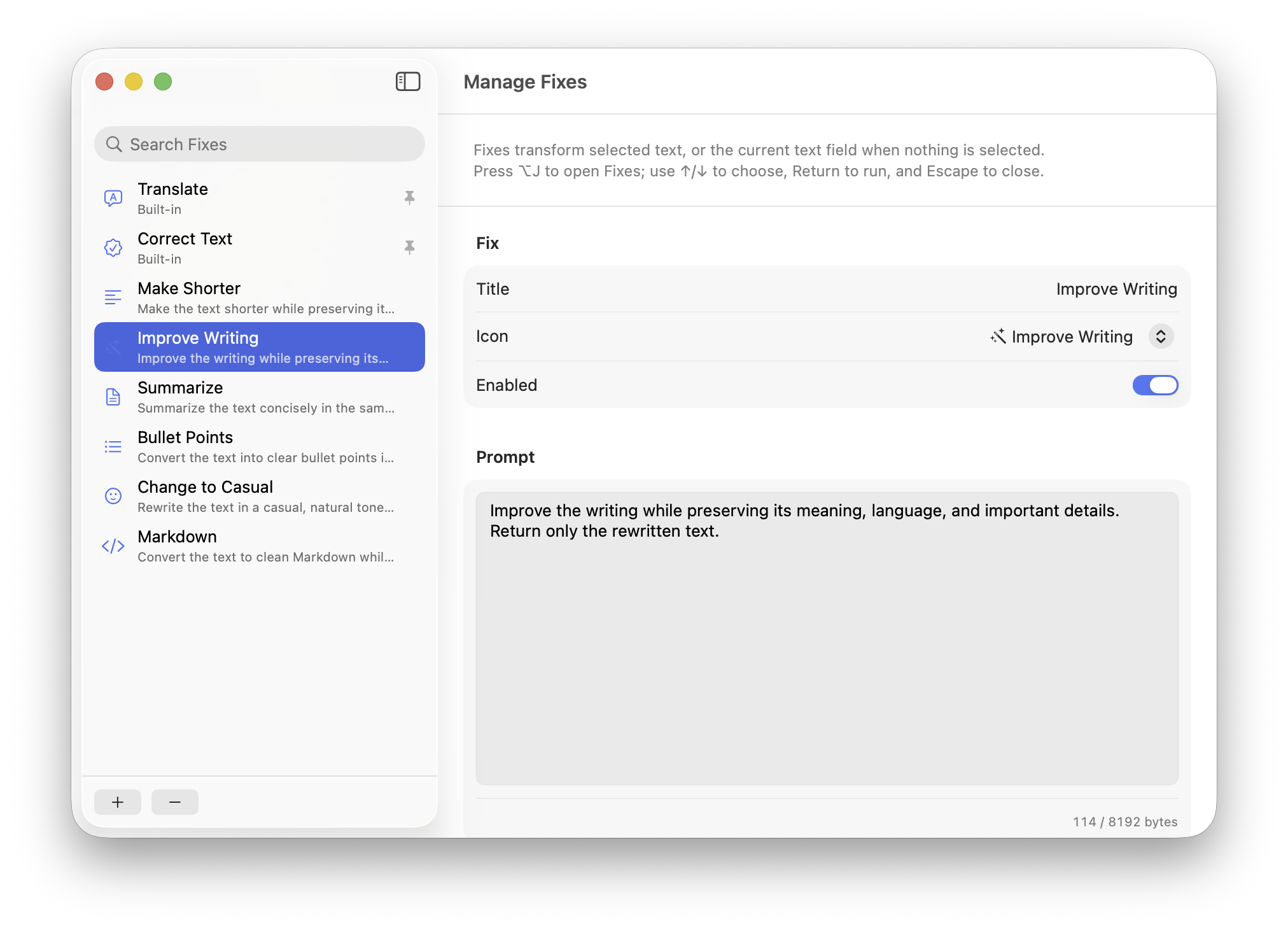
Select text and choose an action in Quick Fixes. In supported fields, the result replaces the selection right in the app.
Save recurring edits as your own commands, such as shortening text or formatting it as Markdown.
Language and vocabulary
Choose a target language in Settings and hold Right Command + Right Option. HoldType transcribes your speech, translates the text and inserts the result.
Add names, project names and technical terms to Local Dictionary. It gives recognition a hint about how to spell them.
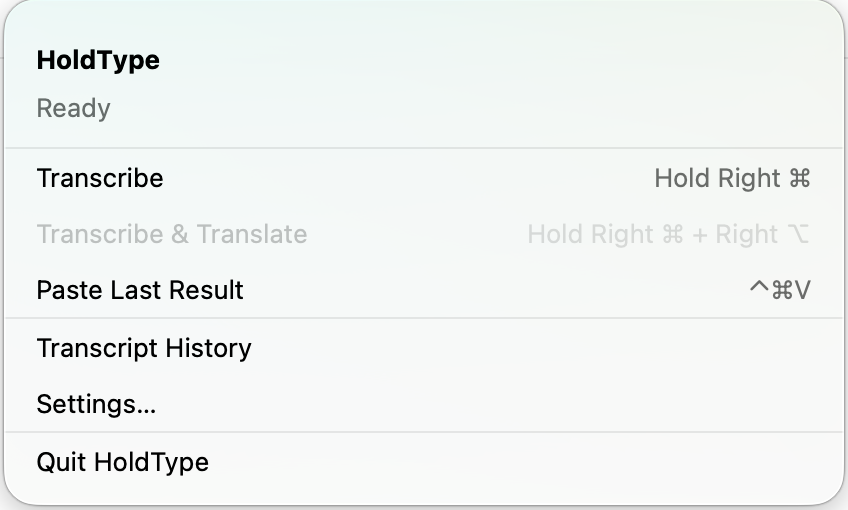
Recovery and control
With Last Result saving enabled, insert the text again with Control + Command + V. Your macOS clipboard contents stay intact.
History keeps recent transcripts on this Mac. Open it from the menu bar.
Hold
Hold Right Command where you can type
Speak
Dictate the text you need
Release
Release Command
Inserted
The transcript appears at the cursor
Pay for requests directly through OpenAI Platform. HoldType has no subscription.
An OpenAI model for transcribing speech in multiple languages. The dictionary provides spelling hints for names and technical terms.
After transcription, HoldType can correct errors with a separate OpenAI request. This option is off by default.
Mac → OpenAI → text in your app.
Settings, dictionary and history stay local. Keeping ordinary audio recordings is off by default and can be enabled separately.
Data processing and storage
HoldType sends recordings from your Mac to OpenAI for transcription using your API key. HoldType has no server of its own for processing speech. The app has no analytics or cloud sync.
Usage is charged to the OpenAI Platform balance connected through your API key. Cost depends on the model and how much you use it.
100 dictations: about $0.08 in this example.
If 100 dictations total 17 minutes of speech, transcription costs about $0.08 at the default model's rate of $0.0045 per minute. Repeat that daily for 30 days: about $2.30. Correction, translation and Quick Fixes cost extra.
Billing estimates transcription, correction, translation and Fixes costs on this Mac. Estimates may be incomplete for models with unknown rates. Actual charges and your balance are available in OpenAI Platform.
OpenAI API pricing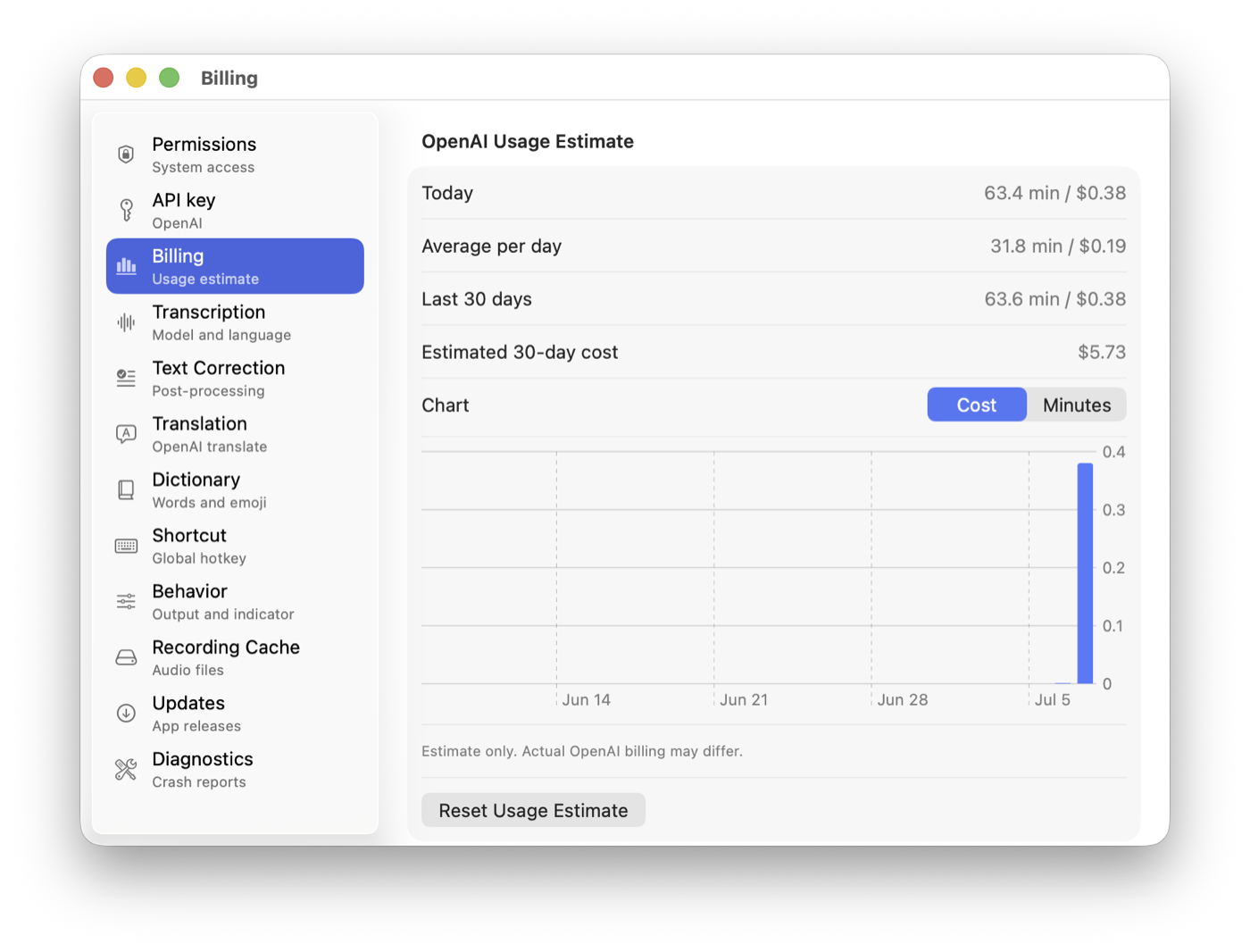
Why I built HoldType
I wanted the same dictation shortcut in the apps I work in, with translation and text edits close at hand.
With HoldType, I can dictate, translate and run Quick Fixes where I'm already working. Extra correction stays optional.
I wrote HoldType in Swift. The app is free, uses my API key, and I pay OpenAI directly for requests.
Get started
Homebrew installs the same version available from the download link.
brew tap holdtype/tap
brew trust holdtype/tap
brew install --cask holdtype
open -a HoldTypeConnect OpenAI
An API key connects HoldType to your OpenAI Platform account. Create it on the OpenAI website and save it in the app's settings. A ChatGPT subscription does not include API usage.
OpenAI shows the full key only when it is created. Keep it private and paste it only into HoldType, which stores it locally in macOS Keychain. API billing is separate from ChatGPT, and a new OpenAI Platform account may require prepaid credit.
The iPhone version
The app and HoldType Keyboard can already be built from source in Xcode. They are not yet published in the App Store.
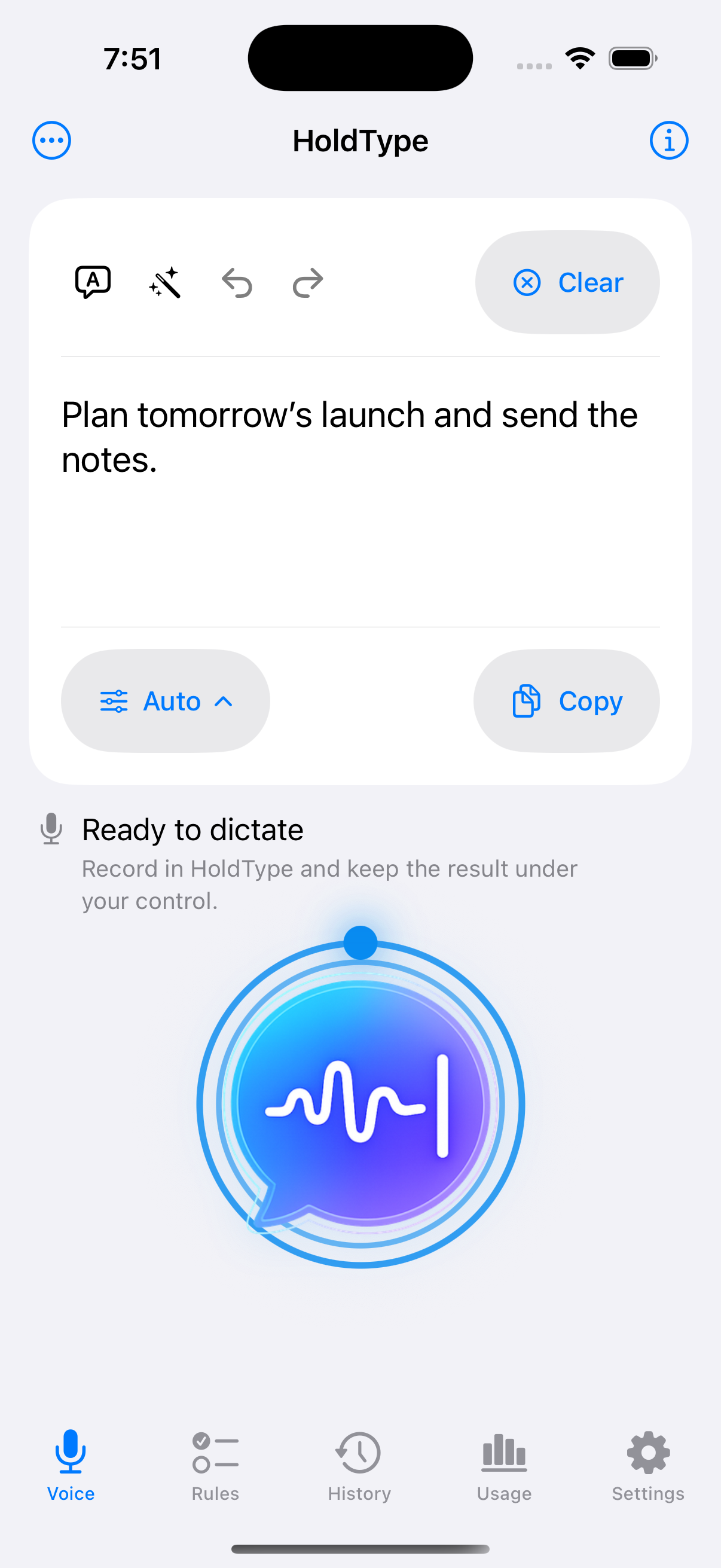
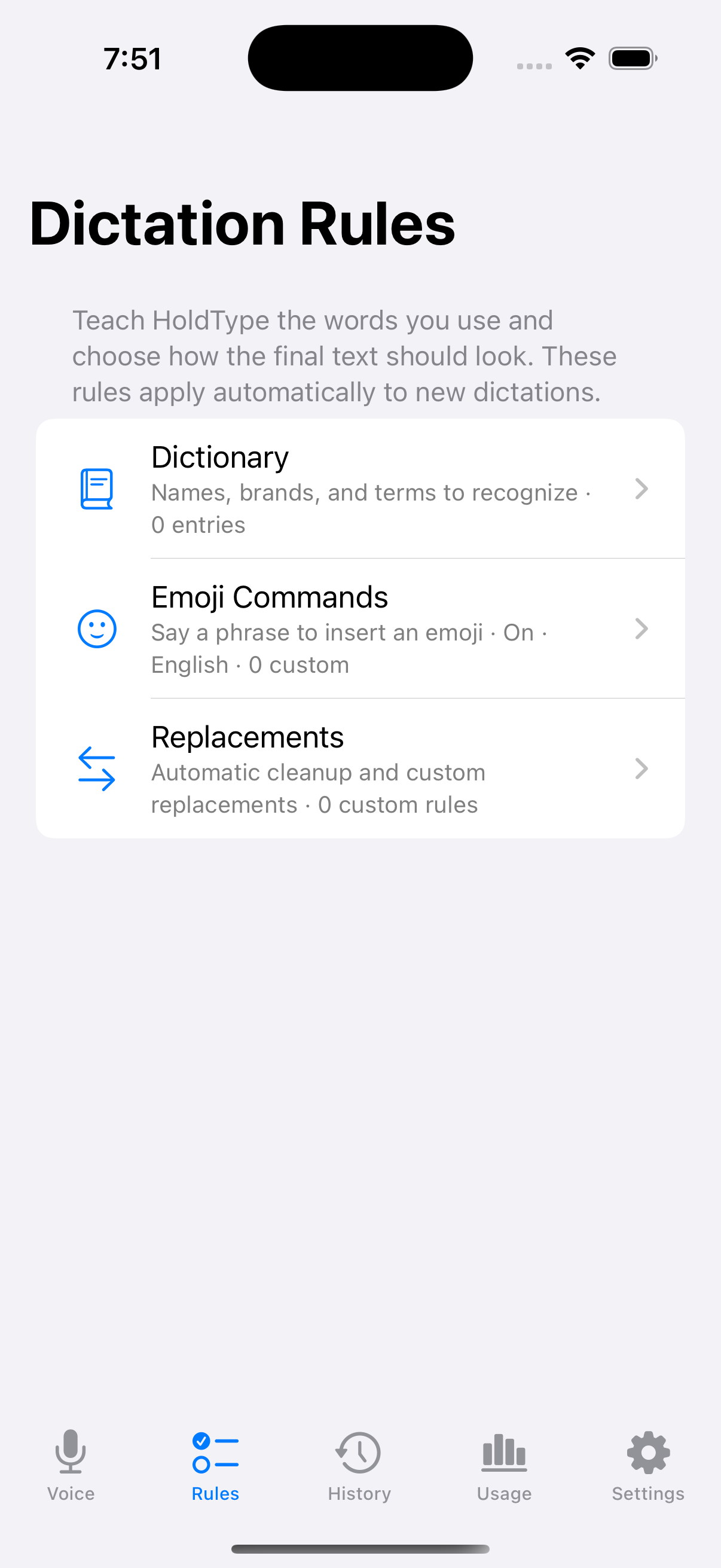
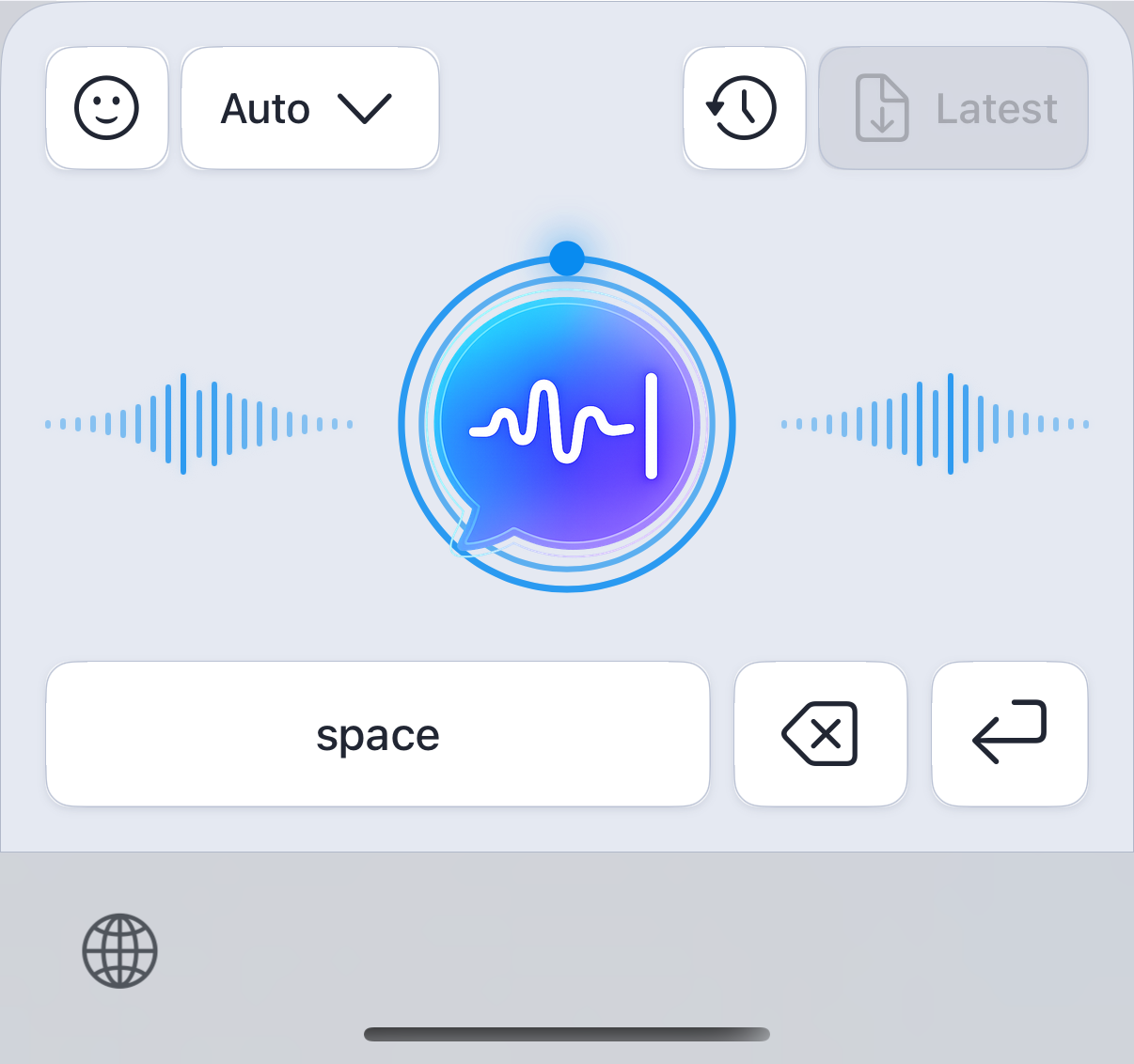
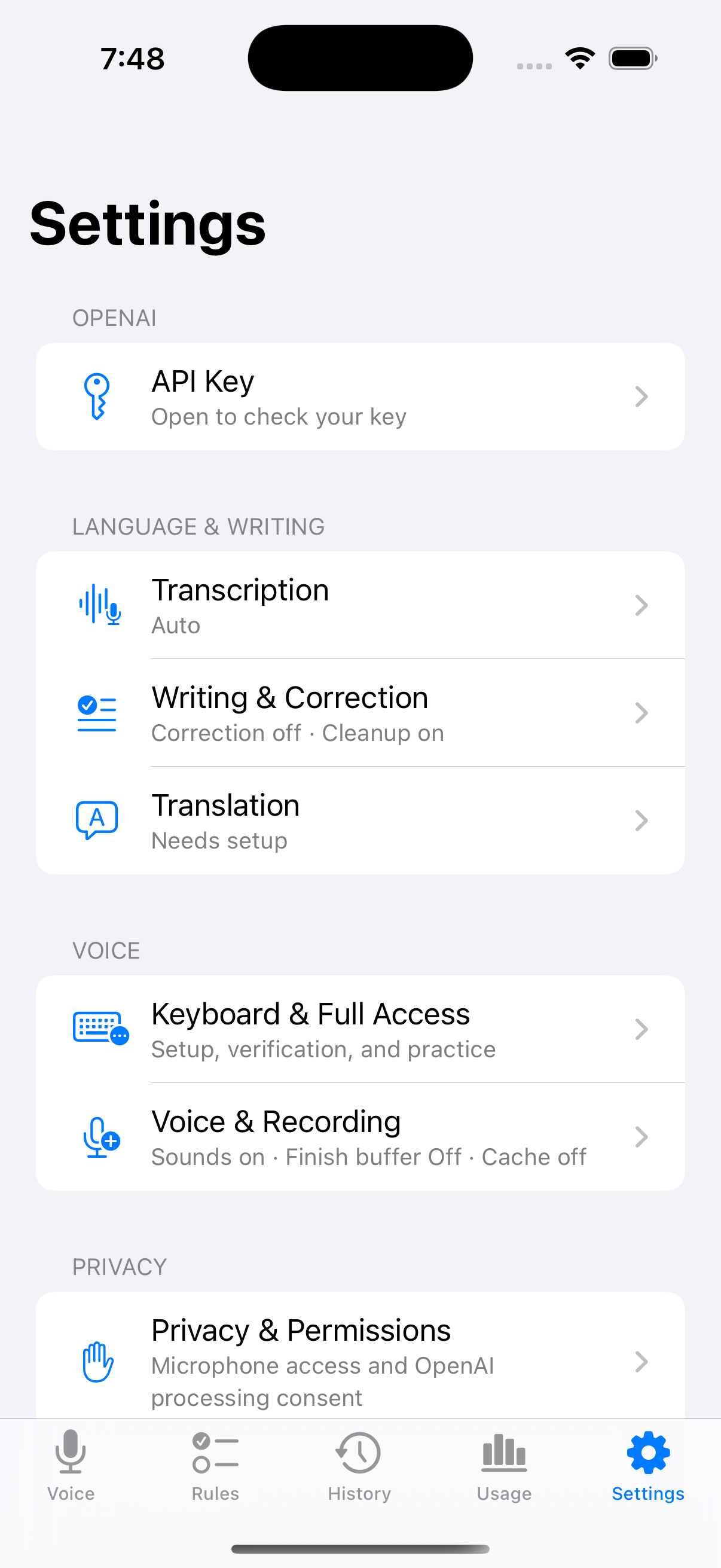
HoldType sends transcription requests through your own OpenAI Platform account. The key is stored locally in macOS Keychain. If API keys are new to you, follow the three-step guide above.
No. ChatGPT subscriptions and OpenAI Platform API billing are separate. HoldType needs an API key with OpenAI Platform billing configured.
The HoldType app is free. Requests are charged to your OpenAI Platform balance; you may need to add credit before getting started. Billing shows a local cost estimate, not your complete account bill.
Audio is sent for transcription. Correction, translation and Quick Fixes send text and instructions to OpenAI. If nearby-cursor context is enabled, a short excerpt from around the cursor is added to the transcription request.
Keeping ordinary completed recordings is off by default. Audio for recovery after a failure or interruption may remain locally after restarting the app. Additional recording storage can be enabled in Settings; it is also local.
HoldType inserts text into most Mac apps through macOS Accessibility. With Last Result saving enabled, you can insert the result again if the first insertion fails.
Transcription can use automatic or fixed source-language settings. Translation uses the target language you configure in HoldType.
Microphone access records speech, Input Monitoring supports the global shortcut, and Accessibility enables text insertion into the active app.
HoldType is source-available under FSL 1.1 with an MIT future license. Each released version converts to MIT two years after release.
Free app · OpenAI requests billed separately · macOS 14+